In the ever-evolving world of digital content creation, staying ahead of the curve is essential. ChatGPT, a versatile language model, has been a valuable tool for many, providing insightful text-based solutions. Now, with the introduction of its image editing feature, ChatGPT has vastly improved its consistency when generating and editing images. In this post, we’ll delve into the functionality of this exciting new feature and explore how it can enhance your content creation process.
What is ChatGPT’s Image Editing Feature?
ChatGPT’s image editing feature is a powerful tool that seamlessly integrates with its existing text-based capabilities. This feature allows users to perform various image editing tasks directly within the ChatGPT interface. For anyone who uses ChatGPTs DALLE image generator, this feature can streamline your workflow and boost your creativity.
How to Use
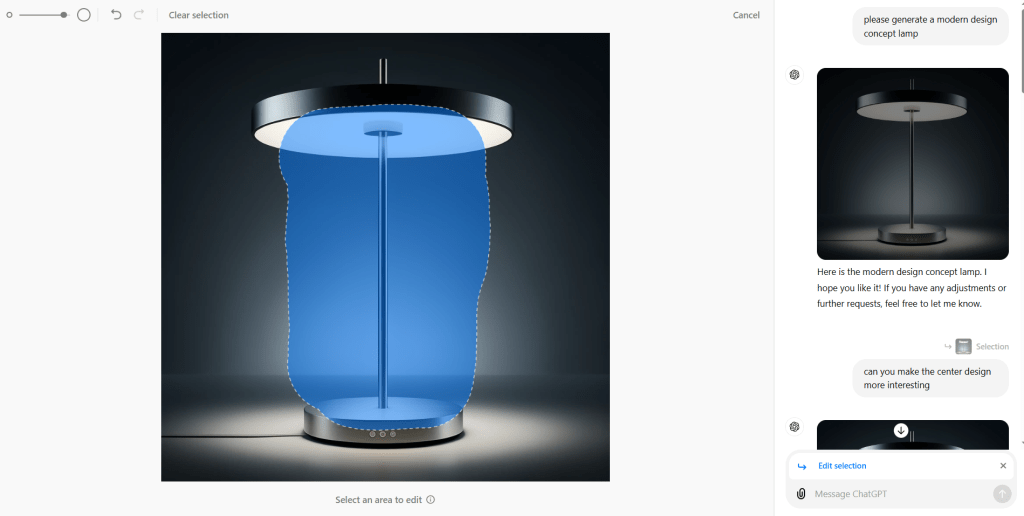
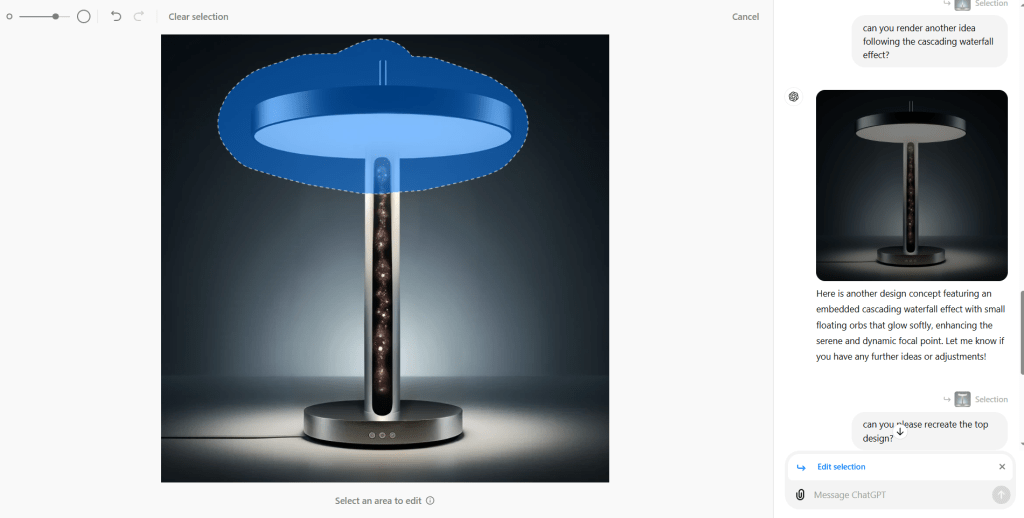
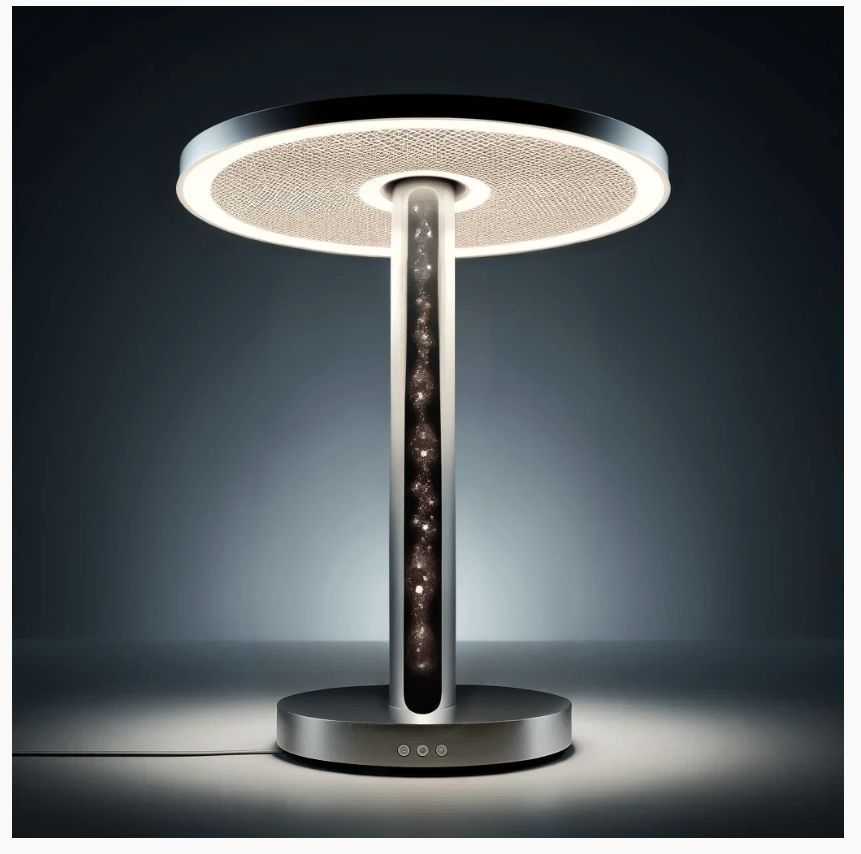
Using this feature is simple. First, have ChatGPT generate an image. Next, select the specific area of the image you want to modify and describe the changes you want to make.
Tips and Tricks
- Be sure not to make too describe too many changes at once.
- Retry image edits with different selection areas and different prompts. By selecting one image in the chat window, you will be able to try editing the same image multiple times.
- Consider the selection area carefully, if you tell ChatGPT to change the color of someones hair, but select their shoes, nothing will happen.
- If you select nothing ChatGPT will recreate the image.
- Be specific with your descriptions. Clear and detailed descriptions help ensure the changes match your vision.
Overall, this is a very useful feature with many possibilities of implementation, even if the current iteration doesn’t function perfectly.
Check out the DALLE Editor Guide published by OpenAi : https://help.openai.com/en/articles/8932459-dall-e-in-chatgpt

